⭐ Premium · 30-day access

📋 Budget Planner

Track your monthly income, expenses, and savings. See your balance at a glance and plan your finances better.
  • Add income and expense categories
  • See monthly balance instantly
  • Data saved on your device
  • Export budget as CSV
  • Visual spending breakdown
Premium · 15 credits per use
Live preview
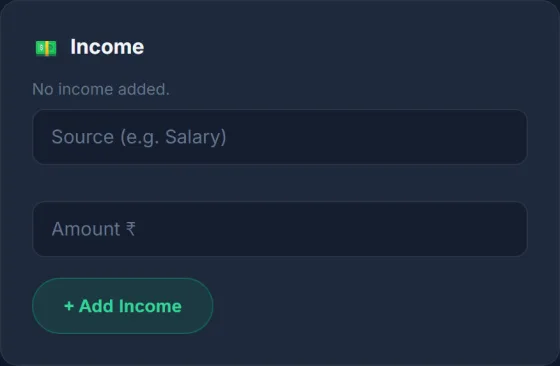
Budget Planner — input screen
1 · Enter your details
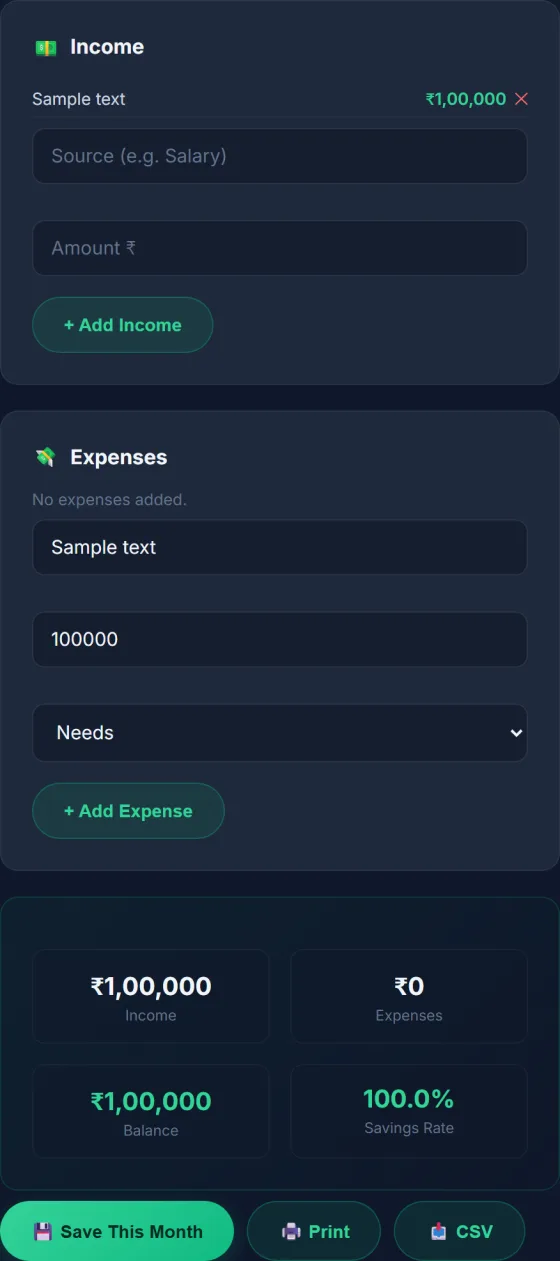
Budget Planner — result screen
2 · See your result

How to Use

  1. 1 Add your monthly income sources.
  2. 2 Add your expense categories and amounts.
  3. 3 See your total income, total expenses, and remaining balance.
  4. 4 Save your budget — it stays on your device.

Frequently Asked Questions

Is my budget data private?

Yes. Everything is stored locally on your device. Nothing is uploaded to any server.

Can I track multiple months?

Yes. You can save budgets for different months and compare them.

Can I export my budget?

Yes. You can download your budget as a CSV file for use in Excel or Google Sheets.

Related Tools

Ready to use this tool?

Works offline. Your data never leaves your device.

Open Tool →
Budget Planner ⚡
Standalone Offline App

Install Budget Planner

Instant launch from your home screen. Works 100% offline with zero data leaving your device.

Private · No App Store required · 0 MB storage
Hardware Encrypted Local Storage
Zero Network Latency
No Trackers or Cloud Uploads
Kriyasya
✦ Talk to AI Companion →