✓ Included with the Utility pass

🔐 Auto Lock Settings

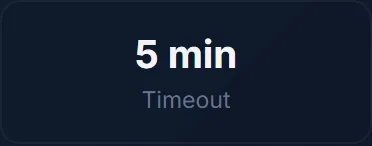
Configure when your vault automatically locks after inactivity.

  • Works 100% offline after first load
  • Your data stays on your device — never uploaded
  • No sign-up required to preview
  • Available in English and Hindi
  • Print or export results
Included with the Utility pass
Live preview
Auto Lock Settings — input screen
1 · Enter your details
Auto Lock Settings — result screen
2 · See your result
Utility Pass

One pass for every included Utility tool

Fast everyday tools, one simple access decision.

99 tools 30 days 60 credits
Sign in to unlock Instant · secure · 30-day access

Frequently Asked Questions

Is this tool free?

The preview and landing page are free. Full tool access requires a Kriyasya membership.

Is my data safe?

Yes. This tool runs 100% in your browser. No data is sent to any server.

Does this work offline?

Yes. Once loaded, it works without internet. You can install it as an app on your phone.

Ready to use this tool?

Works offline. Your data never leaves your device.

Open Tool →
Auto Lock Settings ⚡
Standalone Offline App

Install Auto Lock Settings

Instant launch from your home screen. Works 100% offline with zero data leaving your device.

Private · No App Store required · 0 MB storage
Hardware Encrypted Local Storage
Zero Network Latency
No Trackers or Cloud Uploads
Kriyasya
✦ Talk to AI Companion →